
Discover how much GB is Genshin Impact in 2026—platform choice dramatically affects install size, from 22GB on iOS to over 75GB on PC.
If you’re thinking about downloading HoYoverse’s open-world RPG in 2026, here’s the reality check right here: how much GB is Genshin Impact will depend much more on your platform than most players think. The game has completely changed (from the original launching size) after all the expansions going from Mondstadt to Natlan; it is far beyond what it was when I first got it. The install size can range by almost 25GB when using a stripped down mobile device versus over 70GB on a PC, depending on what you’re playing on, what settings you have, and whether you have a lot of voice packs or not. So before you hit ‘Download’ (or worse, start a major patch when you don’t have a ton of free space), you need to know exactly what your device is getting.
How Much GB is Genshin Impact by Platform
Probably the biggest mistake that players make is assuming there’s an overall universal install size; there is not. The storage footprint varies significantly from client to client, depending on hardware, quality of assets, and how much residual patch information you’ve built up on your system over time.

PC install size range. The launcher on Windows has always had the largest install footprint (by far) compared to any of its competitors. In 2026, the install size for a new install would be approximately 55GB to 65GB, while if you’ve been patching your Genshin Impact client for a long time, have added extra voice packs, and have high resolution assets from patches installed, you might exceed a total size of 75GB. The launcher on the other hand takes up a small amount of extra space (a few hundred MB). Android Size Estimates. The APK and OBB packaging method is utilized by the Android version and the final size is often determined by what content is downloaded in-game once your install is complete. A fresh install with only one voice will generally be around 25–30 GB in 2026. However, if you were to keep all of the dubs installed with cache and shader data accumulating over time that total could rise close to 40 GB. In addition, some mid-tier devices will accumulate more cache than expected is due to the game relying more on preloaded assets to help compensate for the lesser memory performance.
iPhone/iPad Size Estimates. The iOS/iPadOS versions are typically slightly smaller due to Apple's App Thinning technology that removes assets that your specific device does not require from being downloaded. The result is that most newer iPhones/iPads will weigh in at around 22–28 GB after the game has been updated, although this is not always true for older Apple devices that do not support certain high-resolution bundles. Older devices will have a smaller total because they lack certain high tier bundles but you do have to sacrifice some visual fidelity and performance in doing so.
PS5 and PS4 Size Estimates. The console version falls somewhere in the middle. Genshin Impact on the PS5 is typically in the neighbourhood of 40–50 GB with its HD optimized asset distribution. The PS4 (which remains supported well into 2026) typically has a reduced and compressed version that typically returns an installation size of around 35–42 GB. The downside is that Console players do not have the same flexible voice pack 'clean up' options that both PC and Mobile gamers have so deleting data to shrink your install is a bit more difficult. Here is a quick look at the total size of the software for 2026 by type of platform! Below is a total size summary for all platforms.
| Platform | Lean Install (Single Voice Pack Only) | Typical Install | Heavy Install (All Voice Packs + Cache) |
|---|---|---|---|
| PC (Win) | Approximately 55 GB | Approximately 65 GB | Approximately 75 GB+ |
| Android | Approximately 25 GB | Approximately 32 GB | Approximately 40 GB |
| iOS / iPadOS | Approximately 22 GB | Approximately 26 GB | Approximately 32 GB |
| PS5 | Approximately 40 GB | Approximately 46 GB | Approximately 50 GB |
| PS4 | Approximately 35 GB | Approximately 40 GB | Approximately 44 GB |
Genshin Impact Download Size vs Installed Size
Many people become confused here! The number you see represented by the launcher / app will typically not be the number you are going to occupy once everything has been unpacked, verified and cached.
Launcher/Full Client - When I am downloading Genshin from the "HoYoverse Launcher", I am downloading compressed files first, and then those files will be expanded at the time of installation. So a 30 GB download can become 55 GB or more once I install and unpack the full client. Mobile also works very similarly to this, since there is usually going to be quite a bit of initial resource downloads at the time you first launch the Genshin.
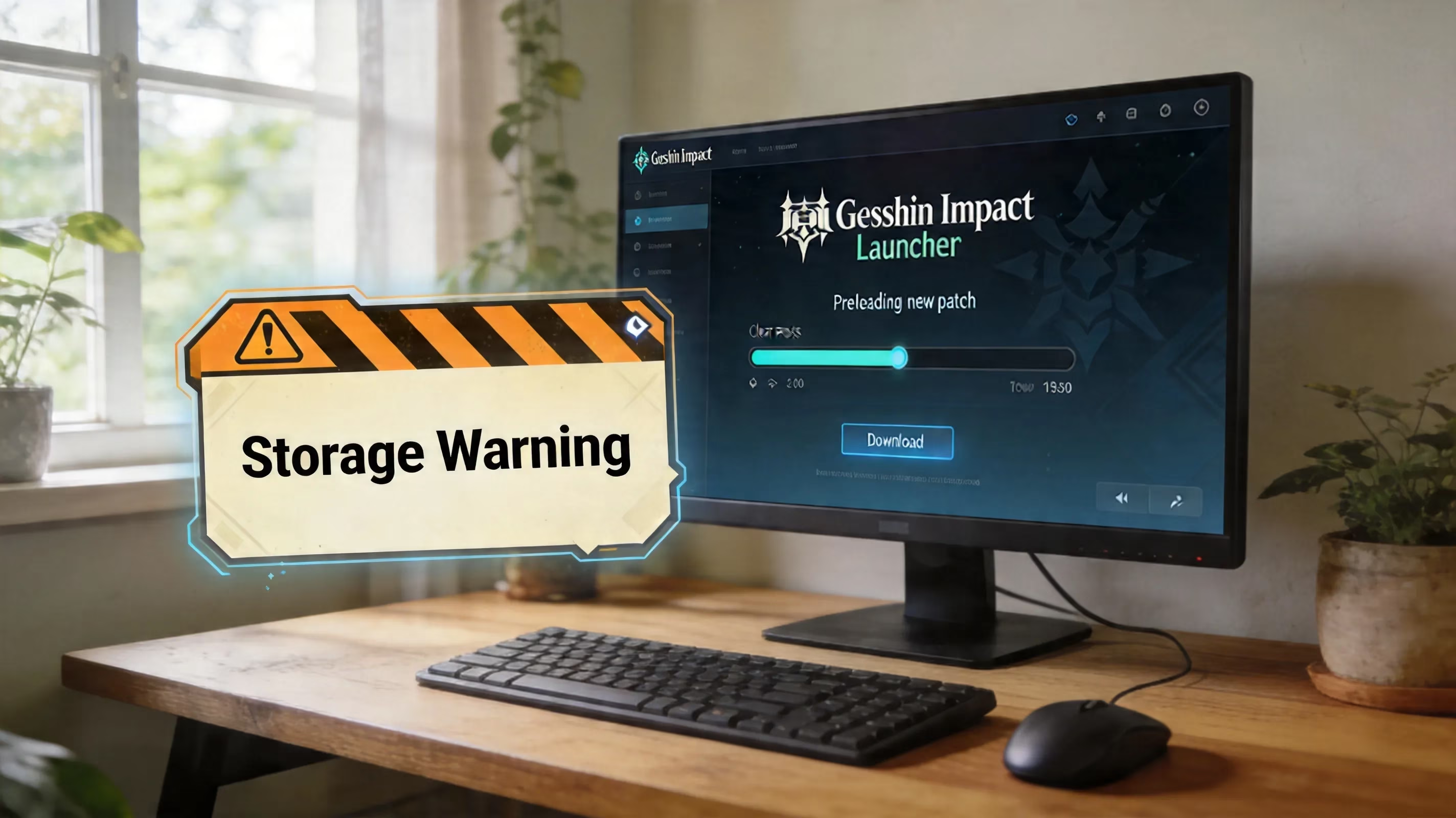
Preload Spike During Patches - This catches many players off-guard! Before any major version upgrades, HoYoverse typically opens up a Preload period approximately 24 to 48 hours before an upgrade. When the game receives a patch, it also downloads this patch during this update as a pre-download (a cache of temporary data). As the patch is a pre-download, the game will essentially have two simultaneous versions of the existing install until the update is completed (fully applied) with the new version overwriting the existing version that was preloaded. Depending on the size of the patch, the temporary files could increase your storage on the console by another 10-15 GB during the pre-download until the update has been completed (applied).
Temp Files, Cache and Shaders
While the actual install is the base of the game, that is not where the issue lies here. Genshin also generates shader cache files every time the game is updated. These files allow your GPU to display objects in the game more smoothly. On a PC, these files accumulate in this location: C:\Users[Username]\AppData\Local\GenshinImpact\shader_cache. After several updates, these files can grow to several gigabytes without clearing them. Mobile devices have the same method of caching but have less visibility since they are located in the app's private data.
Free Space Before Updating
If you'd like to have a good understanding of how much free space to have while updating, I recommend that you have a minimum of 15 GB of free space before updating your Genshin game on any console. This way, in the event of a patch that requires a preload, you will have enough spare storage to download the patch files that are required to unpack the new files before they are needed (which might not be able to be downloaded until after the update, in order to create renewed cache data, and thus, create excessive amounts of temporary storage or remove remaining patch file data that is no longer needed). If you continue through the update process on a console with less than 15 GB of free storage, you will be disappointed.
Why Genshin Impact Requires So Much Storage Space
There is nothing random about the size of Genshin Impact, nor is there a magical reason for the large amounts of storage used in Genshin Impact (i.e. due to the large-database nature of most live services games does not apply here). Instead, most storage for Genshin Impact is due to the structure of the game and how HoYoverse continues to build and maintain Genshin over time.
Each new region of Tevat is not just a new map, it is a large amount of data that includes terrain, environment sound effects, environment weather effects, behavior scripts for NPCs, and a large amount of virtual (non-existing) assets. That's the majority of why Genshin Impact requires so much storage space. The base client will be increased by several gigabytes, if not more through the addition of regions/countries like Natlan, as well as modifiable regions/countries, as there will be more than 2-3 options available for future expansions through 2025 and 2026. Because they are not modular regions, they will be incorporated directly into the base client installation instead of being installed separately.
Voice packs and cutscene data: Voice files consume more of the base client than any other form of data; Genshin has complete voice support for five different languages — Mandarin, Japanese, English, Korean, and Spanish — that comprise not only story- and character-based dialogue but also include voice over for all events and exploration triggers. In addition, there are significant amounts of pre-rendered cutscenes, which can very quickly exceed the size of the voice files (and therefore voice packs) when added to each other. For example, some narrative cutscenes can reach over 200 megabytes (MB) on the standard resolution when completing a cinematic for the story, which is far from being insignificant.
Texture quality and map chunk streaming: In order to prevent the open world from constantly being populated around you, the game caches and stores large map chunks locally, which is a massive amount of data. Other than non-compressed or lightly compressed high-priority texture files are stored so that they maintain their clarity when the camera is moving, when combat effects are viewed, and when elemental reaction animations are viewed. While this is beneficial for graphics, it is also one of the reasons why the consumer installation of the base client grows as a result of this process.
Patch residue and duplicate files will be noticed by players after a few versions of the game. The way Genshin's patching system operates does not always remove immediately prior to repeated versions of the game. As a result, older asset bundles may not be removed for some time until either the client runs through their verification process or the players manually remove the files from the base client installation. Over time, this creates additional storage space within the base client. ## Safely Reduce Genshin Impact Game Size Without Bricking The Game Or Losing Your Login Access
If you want to help reduce the gaming files for Genshin Impact without causing an issue with the client or losing your account access, you can do this in a few different safe ways. What is important to remember is to follow these steps in the correct order.
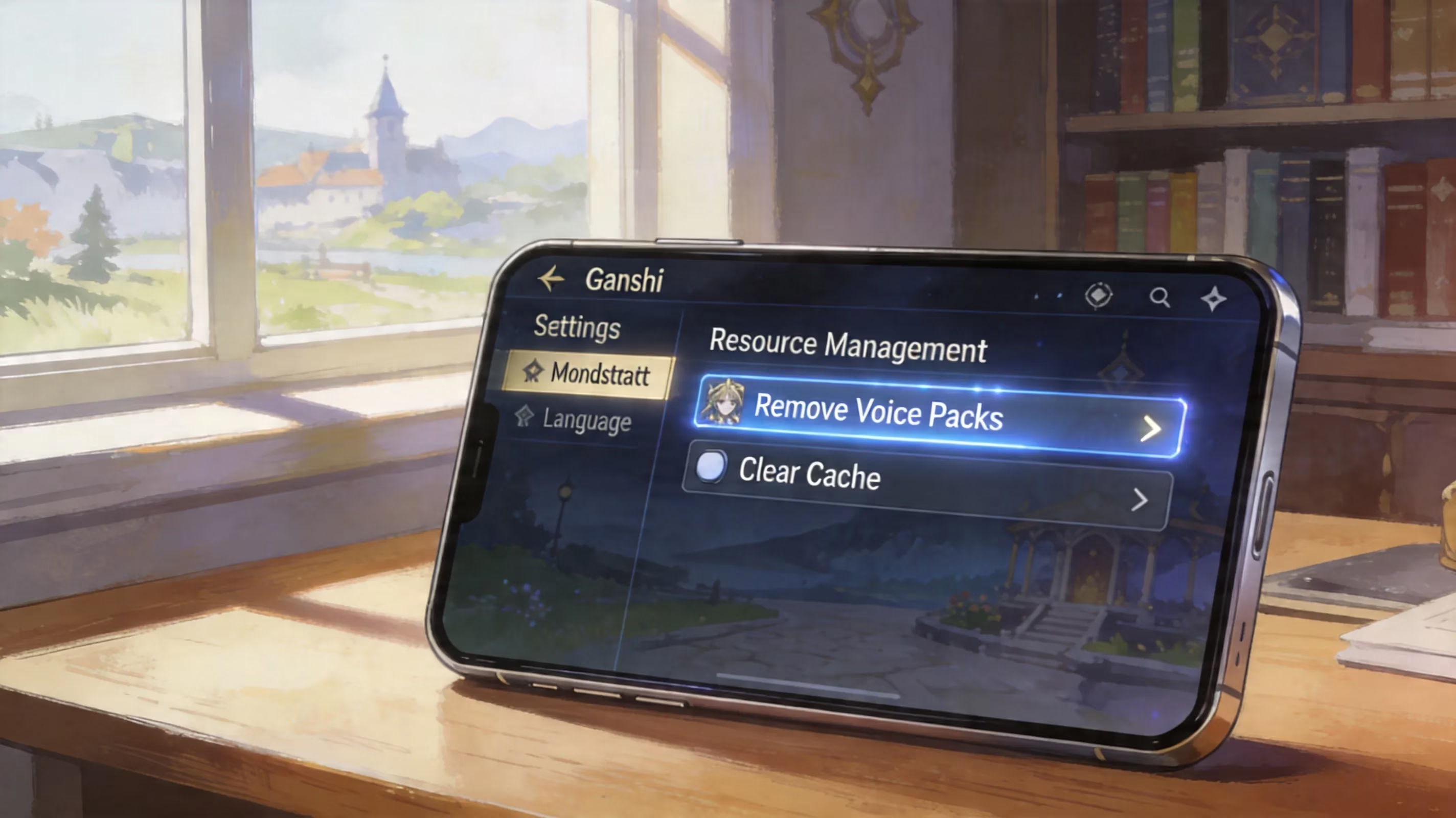
Remove Voice Packs Not In Use. This would be the best option to start with. By going to your Settings => Audio => Voice Language, you can remove the language packs that you are not currently using. If you keep one language pack and remove the other four, you will normally free up anywhere from 4-6 GB of space. This action does not interfere with your subtitles, gameplay nor account data, so for most players, this would provide Free Storage.
Clear Cached Data Based On Platform. On Android, you can go to your Settings => Apps => Genshin Impact => Storage => Clear Cache. This will remove any temporary rendering files and files created by the application, without deleting the Account. On PC, you can manually delete the GenshinImpact_Data\Cache folder along with the Shader Cache folder. When launching the game, the game will rebuild what it actually needs for the next time you launch it, so technically, this is a mega safe cleanup method to use.
Clean Reinstall After Major Version Updates. If you have been running the game due to constant patching for many years, you would be amazed of the difference a clean reinstall can make to your installed game. This would allow you to remove old patches, remove duplicate bundles and any unused shader data all in a single shot. Before you uninstall the game, make sure your HoYoverse Account is linked so you ensure all data has been synced to the server; if you uninstall before doing this, any data not synced with the server will be lost forever once removed locally. Make sure to keep your account linked first. You should confirm you have linked your account properly by going to SettingsEvent > Account > User Center. If your account is linked to a HoYoverse ID, Google or Apple ID or PlayStation Network account, your progress will be restored once you log back into your account. If you have a guest account, you need to be cautious of performing a cleanup as this can potentially cause you an inability to regain access.
Clean Up Your Mobile Storage
Clean up options for the game on mobile are fairly limited compared to console and PC, but there are still methods available to help with storage space issues frequently experienced on mobile.
-
Android Cache Path. The safest way to clean up is still by using the system menu: Settings > App > Genshin Impact > Storage & Cache > Clear Cache (The wording may be slightly different on various brands of phones for Android 12 and later but the function will remain the same.). However, don't click on "Clear Data" unless you want to perform a full wipe of all local data associated with the game, including your sign-in credentials.
-
iOS Offload Method. For iPad and iPhone users, there currently is no option for clearing the cache for individual apps via the device itself. The best workaround would be through Settings → General → iPhone Storage → Genshin Impact (select the app) and then selecting Offload App. Doing so will delete the app itself and many of the assets that the app had downloaded but will keep your documents and data. When most players download Genshin Impact again from the App Store, they find that version takes up 1-3 GB less space on their device than the original install.
-
Warning About Internal Storage. Genshin Impact prefers that it be played from the device's internal storage. When you move Genshin Impact to an external SD card on Android devices, it can have negative impacts such as causing slow texture streaming, audio de-synchronization, and sometimes preventing the game from launching altogether. Generally, if you’re running the game on a 64 GB mobile device, it is advisable to clear out large apps from your phone’s internal storage than try to utilize external storage as an option.
Cleaning Up Your Storage Locally for PC and Console
PC provides the most control over storage but limits some aspects of it when compared to console versions. Regardless, there are still some reliable options to help ensure you maintain proper control over your storage.
Clean-up Your HoYoverse Launcher Cache
The HoYoverse launcher has a built-in clean-up option that can be accessed via the gear icon in the launcher next to Play → Game Settings → Clear Cache. This option will delete residual files left over from completed downloads and leftover files from sessions. To perform additional clean-up and to have your HoYoverse Launcher uninstalled as completely as possible, you can also delete files in your installation directory, specifically [Installation Drive]\GenshinImpact\GenshinImpact_Data\StreamingAssets\Temp, and you will want to clear out your shader cache files manually.
Use SSDs If Possible
By 2026, an SSD will be the primary means of running Genshin Impact on a PC. Genshin Impact involves constant streaming of world assets, and, therefore, slower drives will be much more noticeable due to texture popping and an increase in load times. Technically, you can run Genshin Impact on an HDD, but the newer regions will run drastically slower than they would if you were to run Genshin Impact from an SSD.
When is the Best Time to Reinstall Genshin Impact?
If you plan on doing a completely fresh reinstall on your PC, the best time to do so is after a major version update (generally within a week) has passed and also in between preloading/soft launches for the next version. The ideal length of a mid-patch window (around 2-3 weeks) allows you to access the most updated Genshin Impact client possible because you'll be downloading from the cleanest current client instead of having to pull additional preloaded data off your devices hard drive.
Long-Term Storage Options for Genshin Impact in 2026
If you're looking to make the best decision possible regarding your Genshin Impact storage setup for 2026, there are a few things that should be taken into consideration other than just trying to survive until the next patch.
64GB is still an option for Genshin but barely. While a 64GB mobile device can technically still support Genshin Impact in 2026, it is only barely considered adequate for use. Once you consider that an average installation of Genshin takes approximately 28 to 35GB plus your mobile operating system and associated software comprise about 20 to 30GB, this leaves very little free storage after each major patch when you will need to clear out old files to continue to be able to download Genshin.
Realistic minimum storage requirement: 128GB. 128GB internal storage is the minimum realistic storage requirement for the average Genshin player to ensure a smooth user experience. Once you factor in the approximate 20 to 30GB of storage area taken up by the operating system and essential applications, there will still be enough storage available for your Genshin installation, storage area required for update files and enough overflow storage for your daily/weekly use apps providing that you are not constantly managing everything you are using every time.
HDD and SSD performance. The performance difference between using an SSD or HDD has become very obvious with the new updated regions on Genshin Impact for PC users. The increase in speed when using an NVMe or SATA SSD enables the user to travel quickly through the game world and load into new locations or domains faster thus creating a vastly improved gameplay experience for all players regardless of the platform being utilized.
Cross platform play. If you're experiencing storage issues with your mobile device or console, one of the easiest and most logical options that can help resolve this issue is to simply move the majority of your gameplay over to a PC. Genshin Impact supports full cross-platform progression so that your characters, primogems, resin, and all other aspects of your Genshin account are synced regardless of gameplay device. If you do your daily grind on your PC where storage is easier to manage, you can then play on your mobile device for quick co-op gameplay or when you need to use your resin.
Conclusion
So, how much storage space does Genshin Impact take in 2026? The simple answer is about 25 - 30GB for a lean mobile install; approximately 40-50GB for a console install; and between 55 - 75GB for a PC install (depending on the amount of bloat that has developed within your PC Genshin client over time). The quickest way to reduce the total amount of storage space you are using with your Genshin Impact user account is to delete unused voice packs from your devices. This process will free up 4-6GB of space from your device almost immediately. After this initial free up, the best way to continue to free up storage space is to clean your cache on Android devices; use offloading for unused applications on iOS devices; as well as remove temporary and shader files on your PC. If you don't want to have future issues of "not enough storage" when trying to download new updates, purchase a device with at least 128GB of storage and/or use an SSD to run your Genshin account on your PC will make this experience much easier for you. Good luck and may your next Genshin patch's download not cause you to receive a "not enough storage" message.